
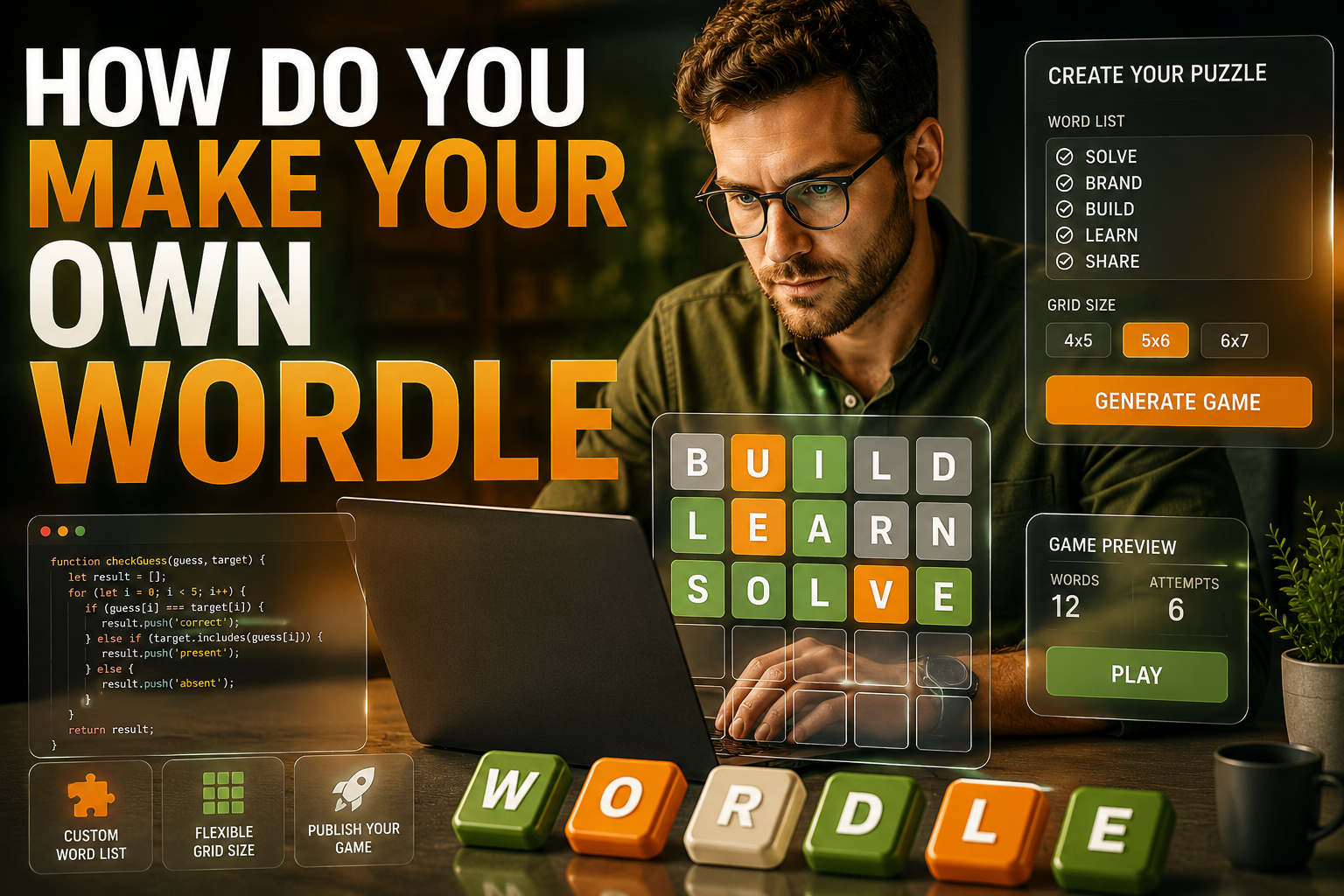
Wordle has quickly become one of the most popular word puzzle games worldwide. Whether you’re a fan of the game or simply looking for a fun, creative project, you may have wondered, “How do you make your own Wordle?”
In this article, we will explore different methods for creating your own personalized Wordle game, offering insights into various tools and platforms that can help you design the perfect puzzle for you and your friends.
Step 1: Understanding Wordle’s Core Mechanics
Before you begin designing your own Wordle game, it’s crucial to understand its basic mechanics. The standard Wordle format challenges players to guess a five-letter word in six attempts. After each guess, the game provides feedback:
- Green tiles indicate the correct letter in the correct position.
- Yellow tiles show the correct letter, but in the wrong position.
- Gray tiles reveal that the letter is not part of the word.
The goal is to make it fun and challenging while keeping the same structure. Now that you have a clear understanding of how Wordle works, it’s time to create your own version. One useful tool to start with is to create your own wordle, which allows you to design personalized Wordle puzzles based on your preferences.
Step 2: Choosing the Right Tools for the Job
There are several online platforms and tools that make it easy to create your own Wordle. These tools typically offer user-friendly interfaces, making it simple to choose the words, set rules, and even customize colors or themes. Some popular tools include:
- Create your own Wordle: A dedicated tool that allows you to make your own Wordle puzzles in minutes.
- Wordle on GitHub: If you prefer coding your game from scratch, GitHub hosts multiple open-source Wordle clones.
- Puzzle generators: Several puzzle-making websites let you input your desired word list and customize gameplay.
Once you’ve chosen the tool that works best for you, it’s time to start building. Customize the game’s difficulty level and think about what kind of words you want to use. The words should be engaging but not overly complex, so players have fun.
Step 3: Selecting Words for Your Wordle Game
A critical step in creating a Wordle game is selecting the right words. The word list should be fun, challenging, but not impossible to guess. For a personalized version, you can use words related to a specific topic or theme. For example, you could choose a list of words related to sports, movies, animals, or even historical events. Some tools allow you to upload your own word list for even more customization.
When building your word list, make sure to include words that are not too obscure. The key is to create a balance where players can guess and have fun without feeling frustrated.
Step 4: Customizing Your Game’s Design
Another exciting aspect of creating your own Wordle is the ability to customize the design. Whether you want to change the color scheme or adjust the board’s layout, many Wordle creation tools offer customization features. You can personalize the look and feel of your game, making it unique and suited to your preferences.
For example, you could make a more vibrant version by choosing a different color palette or opt for a minimalist look if that aligns with your aesthetic preferences.
Some platforms even let you choose themes like classic, retro, or modern, further enhancing the user experience.
Step 5: Hosting and Sharing Your Wordle Game
After creating your Wordle game, it’s time to share it with others. Many of the tools mentioned earlier let you generate a URL to share with your friends, family, or colleagues so they can play your custom game. You can also embed it on a website or a social media page to reach a larger audience. If you’re looking to add a competitive element, you can track scores or even set a leaderboard.
Another useful feature of many Wordle tools is the ability to embed the game on your website or blog. This is perfect if you want your visitors to engage with the game directly from your site. Some even offer integration with Google Analytics, allowing you to track how often the game is played.
Step 6: Engaging with Wordle Communities
If you’re looking for feedback or want to share your creations, consider engaging with Wordle communities online. There are many forums, social media groups, and even dedicated websites where people share their custom Wordle games. By sharing your creations, you can receive feedback and gain inspiration for future games.
Additionally, these communities offer a chance to play other custom Wordle games and discover new ideas. You might even get tips on improving your own game or making it more challenging.
Step 7: More Ways to Create Wordle Variations
If you want to get even more creative with your Wordle game, there are numerous ways to tweak the rules. For instance, you can change the word length, increase the number of guesses, or adjust how feedback is displayed.
You could also create a themed version, such as a color-guessing game or a movie-title guessing game. The possibilities are endless! Consider exploring fun variations like Guess the Color Name or Guess the City to turn Wordle into a learning tool.
Step 8: Conclusion: Creating a Wordle Game That’s Just Right for You
Creating your own Wordle game is a rewarding experience that combines creativity and strategy. Whether you’re designing for personal use or looking to share it with others, there are plenty of tools and resources available to help you get started. Tools that let you create your own Wordle and variations like Guess the Color Name make the process easy and enjoyable.
As you embark on creating your custom Wordle game, remember that the fun comes from challenging yourself and others with unique and personalized puzzles. Whether you stick to traditional words or mix it up with colors, places, or even characters, the power to customize is in your hands. Happy puzzling!
FAQs
How Do You Create Your Own Wordle?
To create your own Wordle, choose a tool like Create Your Own Wordle that lets you customize the word list, color scheme, and game settings. You can even set rules and themes that match your preferences.
Can I Use My Own Word List for Wordle?
Yes, many Wordle creation tools allow you to upload your own word list. This feature helps make the game more personalized, as you can select words based on a specific theme or difficulty level for players.
How Do I Share My Custom Wordle Game?
Once your Wordle game is ready, most tools will provide a URL. You can easily share this link with others via email, social media, or embed it on your website for a larger audience.
Are There Any Tools to Help Create Wordle Games?
Yes, there are several tools available, including Create Your Own Wordle, which allows you to build your custom game. These platforms are easy to use, offering features like word list customization, game design, and sharing options.
Can I Make Wordle With a Specific Theme?
Absolutely! You can choose to make your Wordle themed around topics like movies, animals, or geography. Tools that let you Guess the Color Name allow you to create themed Wordle versions to suit your needs.
How Do You Make Wordle More Challenging?
To make Wordle more challenging, you can use longer words, reduce the number of guesses allowed, or create more complex word lists. You can also adjust the feedback system to be more subtle, adding an extra layer of difficulty.
Can I Embed My Wordle Game on a Website?
Yes, most Wordle creation platforms offer embedding options. You can easily embed your custom Wordle game on your website or blog, enabling visitors to play directly from your page, increasing engagement and fun.
Are There Variations of Wordle I Can Create?
Yes, there are many Wordle variations available, such as Guess the City or guessing color names. These versions allow you to customize the game further by using unique categories or themes, providing more variety and excitement.
Is Wordle Suitable for Educational Purposes?
Wordle can be a fun and engaging educational tool. It can be used to teach vocabulary, spelling, and even geography. By choosing theme-specific words, educators can make the game more interactive and useful for students in various subjects.
Can I Track Scores in My Custom Wordle Game?
Yes, some Wordle platforms offer tracking and leaderboard features. This allows you to monitor how well players are doing, creating a competitive environment. It’s perfect for sharing with friends or hosting a tournament-style game.